Linking your account
What it is
Connect your email/Google account to a school record using a code from the school.
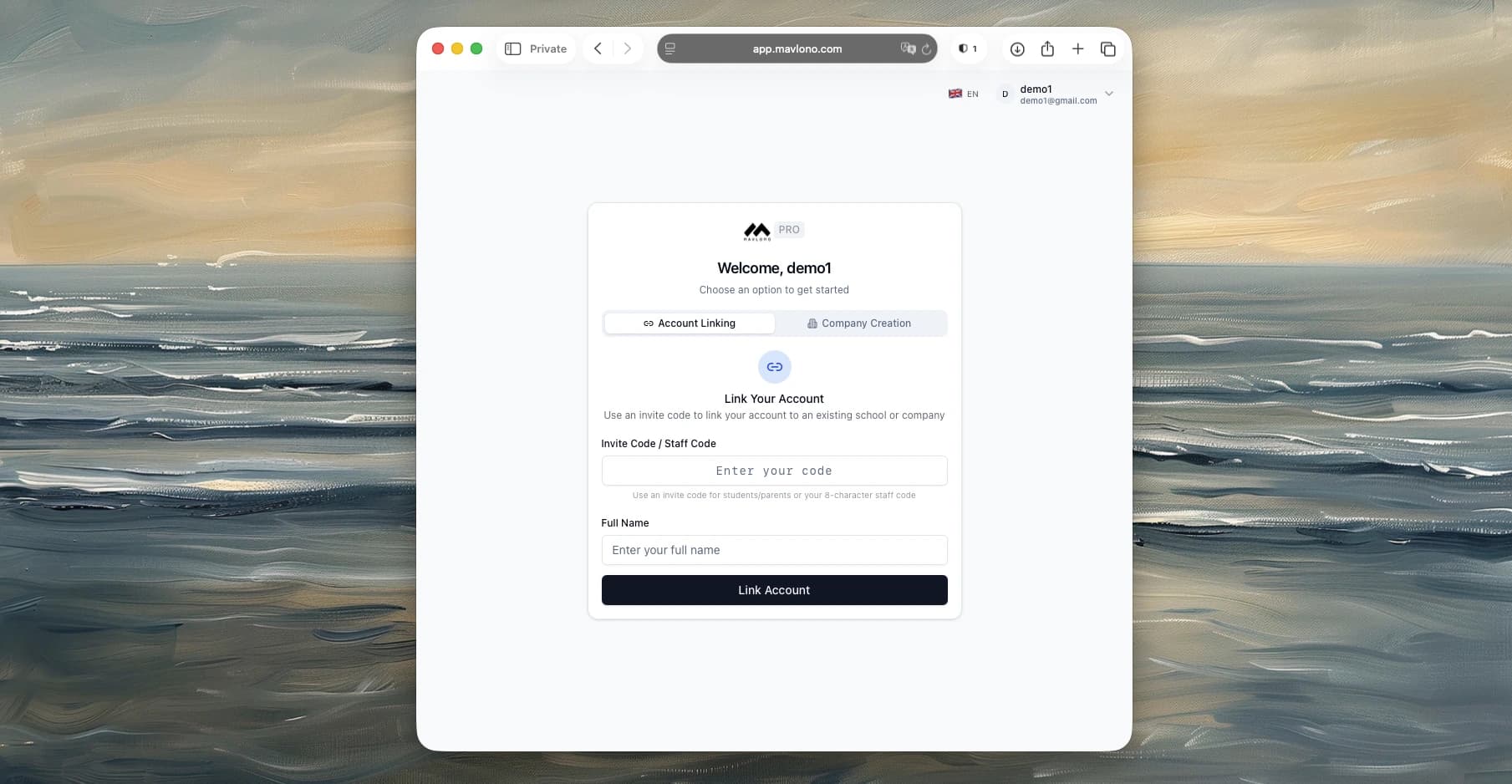
How to use
On the auth page, choose Link account (or similar), enter the Staff ID + Link Code (staff) or Student ID + Link Code (student) or Parent ID + Link Code (parent), then sign in or sign up. After that you'll see your portal (teacher, student, or parent).
Why it's needed
So teachers can access their classes, students their grades/assignments, and parents their child's info-all tied to the right school.