Create a school or join with a code
What it is
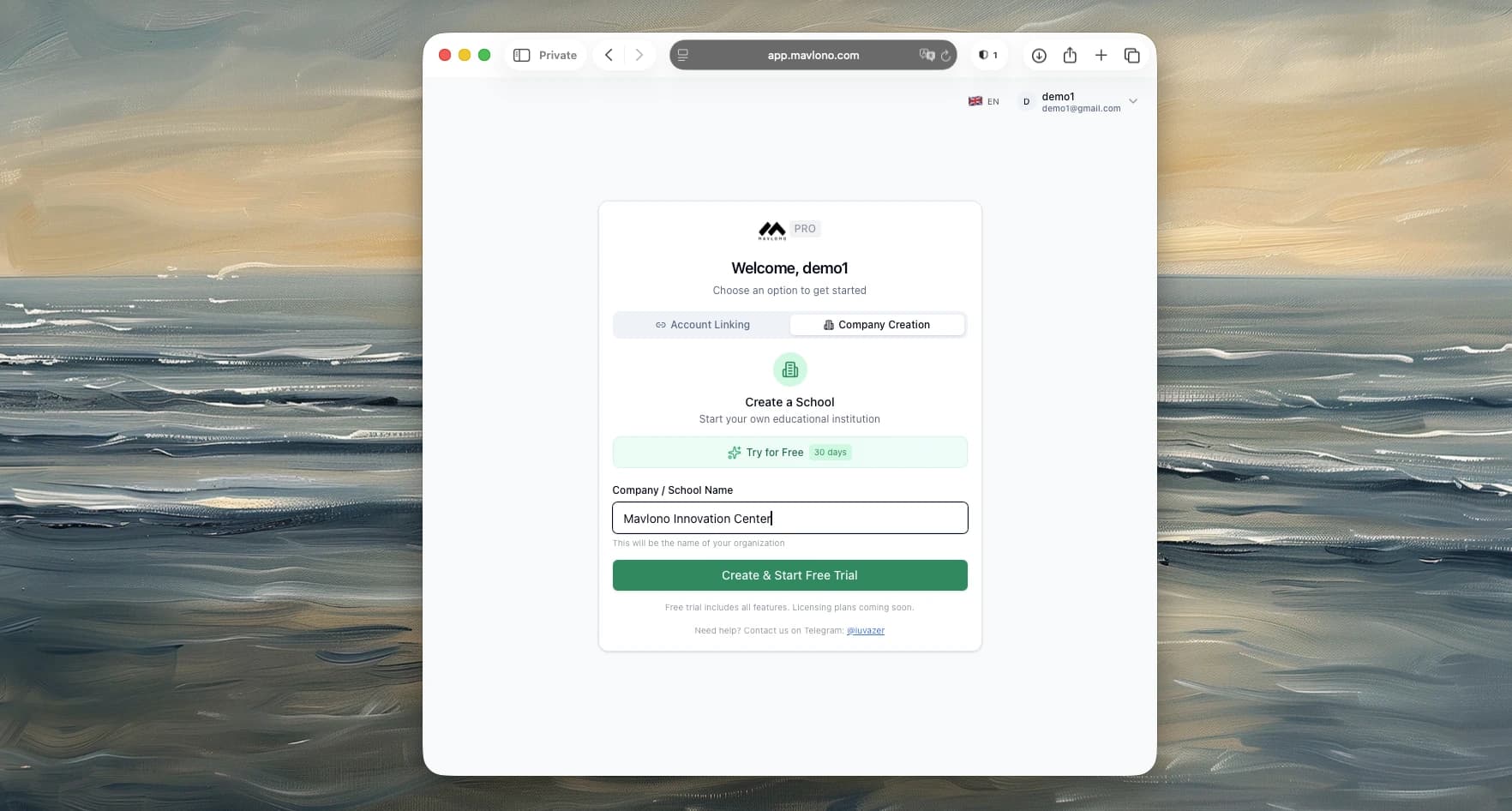
After first login, you either create a new school (owner) or join an existing one with an invite/link code.
How to use
Create a school: Choose "Create a School", enter the school name, then create. You become the owner and get the main dashboard. Join a school: Choose "Link Your Account" (or "Join with code"), enter the invite/link code and your name, then submit. You're added to that school with the role from the code.
Why it's needed
So every user is tied to one school and sees only that school's data.